



Phones are funny things. We spend hours using them every day, but most of the time we stop noticing how they look. Unlock the screen, check a message, lock it again. The motion stays the same, and so does the screen.
After a while, everything starts to feel repetitive. That’s usually when people look for a small change. Not a new phone, just something that makes the experience feel fresh again.
Zipper lock screen and wallpaper apps are created for exactly that reason. They don’t change how your phone works. They simply change how it feels when you unlock it.
Table of Contents
- What Is a Zipper Lock Screen?
- First Experience Using It
- Why Wallpapers Matter
- Customization Options
- Daily Use Experience
- Battery and Performance
- Ads and Free Limitations
- Who Should Try This App
- Final Thoughts
What Is a Zipper Lock Screen?
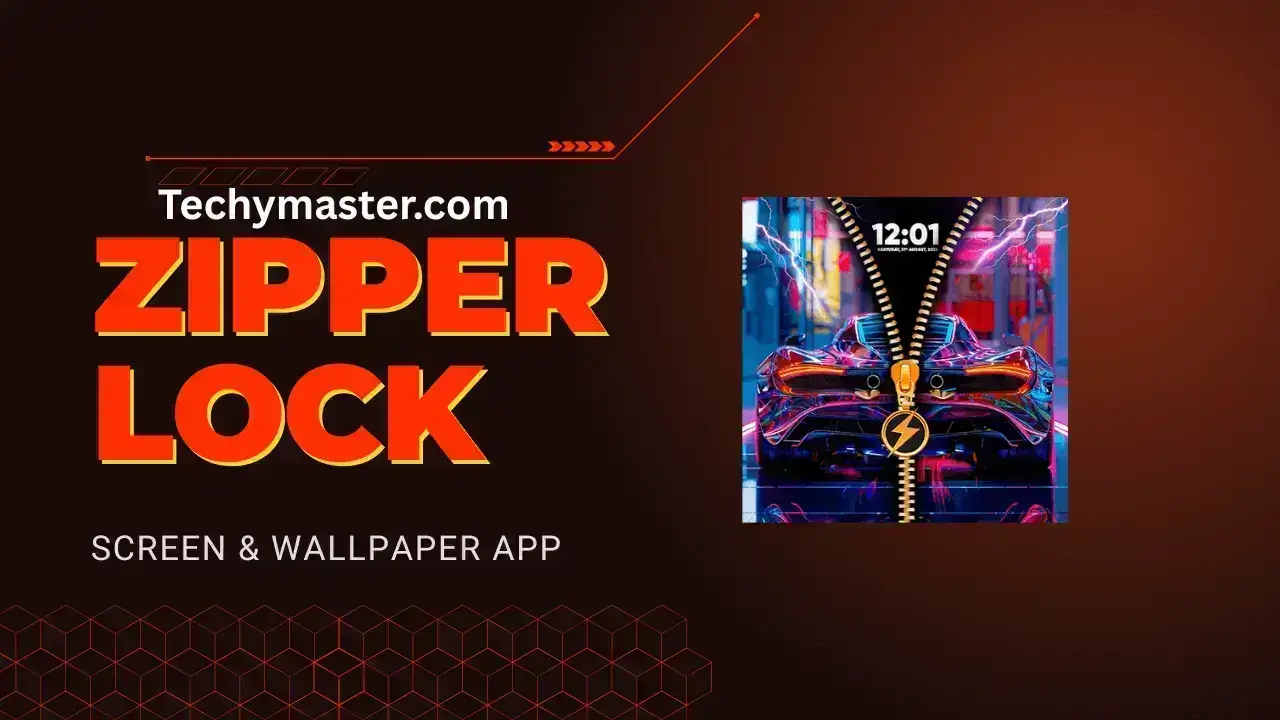
A zipper lock screen replaces the usual swipe or pattern unlock with a zipper-style action. You see a zipper image on the screen, and to unlock the phone, you pull it open like a jacket.
The concept is simple. There’s no learning curve and no complicated setup. Your apps, notifications, and phone settings remain unchanged. Only the unlock animation feels different.
First Experience Using It
The first time you use a zipper lock screen, it feels slightly unusual. Your hand may try to swipe automatically, then you realize you need to pull the zipper instead.
That small pause makes you notice your phone again. It’s not dramatic, but it feels playful and interesting. Many users enjoy that moment because it breaks the usual routine.
Why Wallpapers Matter
Most zipper lock screen apps include wallpapers, and this is where personality comes in. Some designs are simple and calm, while others are colorful or stylish.
When the zipper animation matches the wallpaper, the lock screen feels thoughtfully designed instead of random. Your phone starts to feel more personal.
Customization Options
Zipper lock screen apps usually keep customization simple. You won’t find complex menus or confusing options.
Common settings include:
- Zipper style or shape
- Zipper direction
- Background wallpaper
- Animation smoothness
Most users learn by experimenting. Change a setting, lock the phone, and see how it looks. That process itself becomes part of the fun.
Daily Use Experience
In everyday use, zipper lock screens work smoothly. After a short time, pulling the zipper feels just as natural as swiping.
This type of lock screen is more about enjoyment than speed. If you unlock your phone very frequently, it may feel unnecessary at times. But for normal use, it blends into daily life without causing issues.
Battery and Performance
Battery usage is a common concern with visual apps. Thankfully, zipper lock screen apps are generally lightweight.
The animation appears only when you unlock the phone, so it doesn’t constantly drain power. On most devices, performance remains smooth, and battery impact is minimal.
Ads and Free Limitations
Most zipper lock screen apps are free and supported by ads. You’ll usually see ads inside the app while changing settings or wallpapers.
Ads rarely appear on the lock screen itself, which keeps the experience clean. Some apps offer a paid version to remove ads, depending on your preference.
Who Should Try This App
Zipper lock screen apps are ideal for users who enjoy customization and visual changes.
They are a good choice for:
- People bored with default lock screens
- Users who like playful designs
- Anyone wanting a simple visual change
If you prefer minimal and distraction-free layouts, this may not be the right fit. And that’s completely fine.
Final Thoughts
Zipper lock screen and wallpaper apps don’t try to solve a problem. They don’t promise better performance or productivity.
They simply make unlocking your phone feel different.
For some users, that change won’t matter. For others, it’s exactly what they’re looking for. If you enjoy refreshing how your phone looks and feels, a zipper lock screen is worth trying.
Sometimes, a small visual change is enough to make your phone feel new again.