


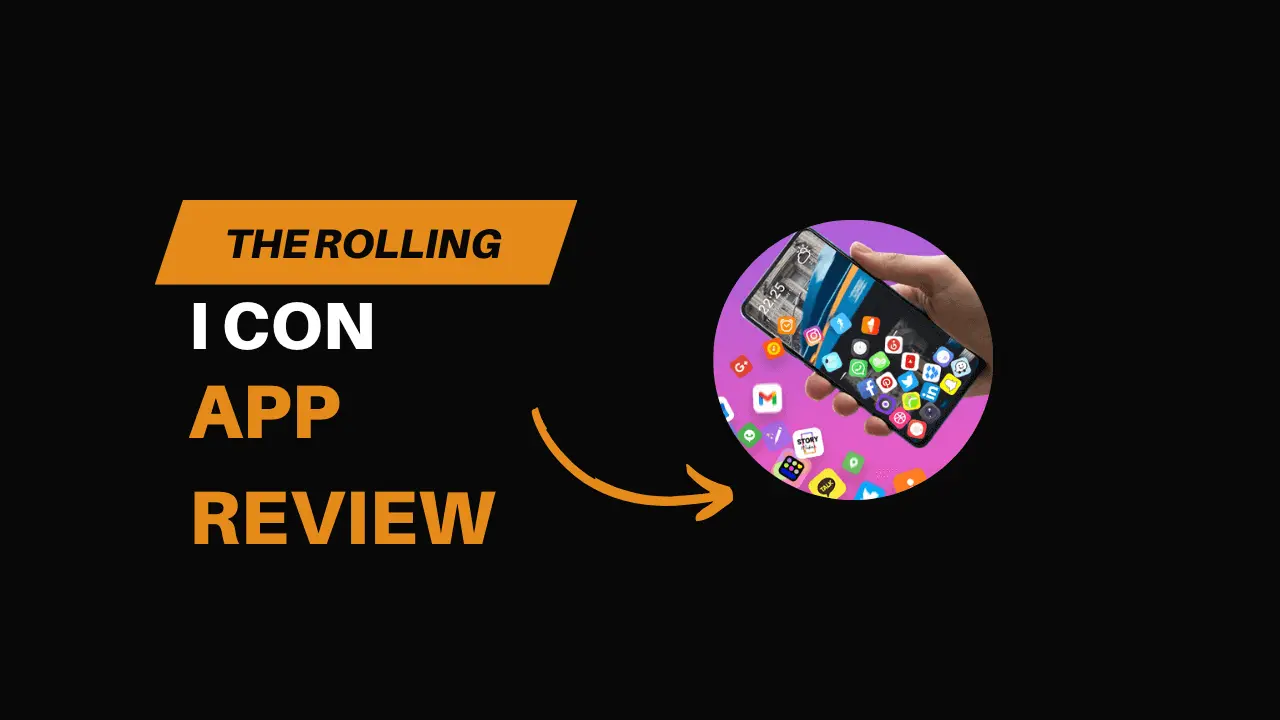
Most Android phones look the same once you unlock them. A grid of icons. A wallpaper you probably chose months ago and barely notice anymore. Nothing really moves around, and all the icons remain locked in the same familiar spots. Clean. Predictable. And honestly, a little boring after a while.
Rolling Icon 3D Wallpaper tries to shake that routine.
Instead of keeping icons locked in place, this app lets them behave more freely. The icons don’t really stay in one spot. Sometimes they hit each other, sometimes they slide around on their own. At first, it feels a bit off, mostly because your eyes expect everything to stay still.
But that uncomfortable feeling is kind of the whole idea.
I installed this app mostly out of curiosity. I wasn’t actively looking for a new wallpaper or home screen setup. I just wanted to see what would happen if the most familiar part of my phone stopped behaving normally.
Table of Contents
- First Time Opening the App
- What the App Is Actually Doing
- Customization and Settings
- How It Feels in Daily Use
- Performance and Battery Thoughts
- Ads and Monetization
- Who This App Is Really For
- Using It as a “Sometimes” App
- Small Things I Noticed Over Time
- Final Thoughts
First Time Opening the App
When you open Rolling Icon for the first time, it’s obvious that this isn’t a regular wallpaper app. There’s movement right away. Things are already shifting before you touch anything.
I had to stop for a second because I wasn’t fully sure what was going on.
The app asks you to set it as a live wallpaper, which makes sense since everything keeps running in the background. Once that’s done, your home screen no longer feels static. Icons don’t sit neatly in rows anymore. They respond to movement, tilting, and gravity depending on how you set things up.
It’s playful. Slightly chaotic. And definitely not subtle.
What the App Is Actually Doing
At its core, Rolling Icon 3D Wallpaper adds a physics-style layer over your home screen. Icons behave more like objects than fixed buttons.
Tilt your phone and they start sliding. Adjust certain settings and they bounce lightly or roll slowly. Some modes feel heavy, like gravity is pulling everything down. Others feel lighter, almost like the icons are floating instead of falling.
In terms of use, everything works the same way as before. Apps open when you tap them, just like any normal home screen. The difference is more about how it looks and feels, which comes across as much less stiff and more playful.
This isn’t about productivity or efficiency. It’s more about how the phone feels in your hand.
Customization and Settings
There are quite a few options inside the app, though they aren’t always explained very clearly. Most of the learning happens by moving sliders and watching what changes.
You can adjust things like:
- Motion intensity
- Gravity strength
- Background styles
- How icons react to movement
Some combinations feel smooth and oddly relaxing. Others feel like your phone has a mind of its own.
I spent more time than I expected just tweaking settings. Small changes make a noticeable difference, so you keep experimenting. That said, not every option feels essential. Some are fun to try once and then forget about.
How It Feels in Daily Use
This is where opinions will probably split.
For short periods, Rolling Icon is genuinely entertaining. Unlocking your phone feels different each time. Even when you’re not actively touching the screen, there’s movement happening in the background.
Over longer periods, though, it can get distracting.
If you unlock your phone dozens of times a day just to reply to messages or open apps quickly, the motion can feel like extra noise. Icons shifting slightly when you’re trying to tap something can slow you down, even if only by a second.
I ended up turning the effects down instead of disabling them completely. With less movement, the app felt more usable.
Performance and Battery Thoughts
Any live wallpaper with constant animation raises the same concern: battery life.
On a mid-range phone, Rolling Icon ran smoothly most of the time. Animations stayed consistent, and the phone didn’t heat up during normal use. Still, it’s doing more work than a static image ever would.
If you’re very strict about battery usage, this probably isn’t something you’ll want running all day. On lower-end devices, heavier effects might cause occasional stutters or slower transitions.
Nothing felt broken, but the extra load is noticeable if you’re paying attention.
Ads and Monetization
Like many free customization apps, Rolling Icon includes ads. They’re not constant, but you’ll see them when changing settings or switching backgrounds.
That’s not surprising. Apps like this usually rely on ads unless you go for a paid version.
The ads didn’t push me to uninstall, but they are noticeable. If you really dislike ads, that might be something to keep in mind.
Who This App Is Really For
Rolling Icon isn’t meant for everyone, and that’s fine.
This app makes the most sense for:
- People who enjoy customizing their phone
- Users bored of static home screens
- Anyone who likes playful or animated visuals
- People who want their phone to feel less “default”
If you prefer minimal layouts and zero distractions, this probably won’t be your thing. And that’s okay. That was never really the point.
Using It as a “Sometimes” App
One thing I realized is that Rolling Icon doesn’t have to be permanent.
It works surprisingly well as a temporary change. You use it for a few days or weeks, enjoy the novelty, then switch back to something simpler. When you do return to a static wallpaper, everything suddenly feels very still.
In a strange way, it refreshes how you feel about your phone, even if you don’t keep it long-term.
Small Things I Noticed Over Time
After using it for a while, I started paying more attention to how I physically interact with my phone. Tilting it. Moving it slightly. Even how fast I swipe.
Not many apps make you notice things like that.
At the same time, I also missed predictability. Knowing exactly where an icon will be without waiting for it to settle is something you don’t think about until it changes.
Final Thoughts
Rolling Icon 3D Wallpaper doesn’t try to be essential. It doesn’t promise productivity or efficiency. It’s not pretending to fix a problem.
It simply offers a different way to experience your home screen.
For some people, that difference will feel unnecessary. For others, it’ll feel refreshing. If you enjoy experimenting with how your phone looks and behaves, this app is worth trying at least once.
Even if you don’t keep it forever, it succeeds at what it sets out to do: making your phone feel a little less ordinary.
And sometimes, that’s enough.

